


In this article, you’ll learn:
E-commerce chaos starts long before the peak sales day. One outdated promo, a couple of unrefreshed banners, or an incorrect product status can quietly cost you revenue before a shopper even reaches the cart. And to avoid constantly putting out fires, you need to see the entire season ahead.
Holiday commerce moves fast. Brands that fall behind on updates, content, or inventory accuracy lose momentum the moment demand spikes. E-commerce companies operate on a calendar of their own: while most businesses think in quarters, you’re navigating 15–20 sales moments a year across Amazon, Walmart, your Shopify store, and other channels. Each one requires correct pricing, live inventory, updated product content, and channel-ready assets—not just a refreshed homepage banner.
Below are the key dates that should guide your content updates, pricing changes, and asset planning.
| Date | Holiday / Sales Moment |
|---|---|
| January 1 | New Year’s Day |
| February 14 | Valentine’s Day |
| February 17 | Lunar / Chinese New Year |
| March 8 | International Women’s Day |
| April 5 | Easter Sunday |
| April 22 | Earth Day |
| May 1 | Labour / International Workers’ Day |
| May 10 | Mother’s Day (US & Canada) |
| May 25 | Memorial Day (US) |
| June 21 | Father’s Day (US & many markets) |
| July 1 | Canada Day |
| July 4 | Independence Day (US) |
| September 7 | Labor Day (US & Canada) |
| October 31 | Halloween |
| November 11 | Singles’ Day |
| November 26 | Thanksgiving (US) |
| November 27 | Black Friday |
| November 28 | Small Business Saturday |
| November 30 | Cyber Monday |
| December 1 | Giving Tuesday |
| December 24 | Christmas Eve |
| December 25 | Christmas Day |
| December 26 | Boxing Day |
| December 31 | New Year’s Eve |
How to Use This Ecommerce Holiday Calendar
Think of this less as a static list of dates and more as a planning scaffold for both marketing and catalog operations.
For each period, you’ll get context, campaign angles, and a rough planning window.
Every major holiday is a point where your product information changes: new bundles, temporary prices, seasonal badges (“Giftable”, “Holiday set”), updated hero images, or refreshed descriptions. If you manage all of that directly inside Amazon, Walmart, Shopify, and a few marketplaces separately, it quickly turns into spreadsheet chaos.
With a product information management system (PIM) like Toriut, you define these changes once in a central catalog and let channel-specific rules push the right version to each destination.
You are not supposed to activate everything in this calendar. Use it to identify the five to ten holidays that actually match your audience and category. For those key dates, work backwards: when does strategy need to be decided, when does creative production start, and when do feeds and channels go live?
Holiday Campaign Planning Basics
Holiday campaigns most of the time fail because of a combination of small issues: fuzzy targeting, messy inventory, unclear offers, and product data that didn’t get updated everywhere in time.
Before you dive into month-by-month dates, get these foundations in order.
Know your markets and segments
Valentine’s Day can be huge for beauty, jewelry, self-care, gifts, and experiences—but irrelevant to a B2B software purchaser. Back-to-School is powerful for parents, students, and teachers, but won’t move the needle for retirees.
Start by mapping who buys from you, what they are trying to solve, and where in the year those needs spike.
Geography adds another layer. US Thanksgiving is a major retail anchor; it doesn’t exist in Western Europe. Singles’ Day (11.11) dominates in China and across Asia; in North America and Europe it’s still emerging. Easter dates move every year and carry different weight depending on the country.
Align inventory, pricing, and promotions
Good creative won’t save a holiday if you are promoting the wrong products, at the wrong price, on the wrong channels.
Start by clarifying roles for your SKUs during each season. Which products will be your “heroes”? What can go into a deeper discount? Which items should be bundled for specific holidays? For multi-channel brands, it’s especially important to know how much stock you can safely allocate to each marketplace and your own site so one channel doesn’t wipe out your supply for everyone else.
Then define your pricing and promo structure. Which holidays deserve your most aggressive discounts? Where do you lean on bundles and gifts-with-purchase? Where will you focus on positioning and storytelling with minimal markdowns?
Creative and content: tying assets to product data
Holiday campaigns are hungry for creativity—and that creativity is almost always tied directly to your catalog.
Email campaigns pull product names, prices, descriptions, and images. Ads rely on feeds with titles, previews, variations, and promo fields. Product pages on your site and marketplaces get temporary badges like “Gift idea” or “Holiday set,” seasonal angles in the copy (“Perfect for Mother’s Day”), and updated photography.
Life is much easier when part of your marketing content lives inside your PIM: seasonal titles, short holiday-specific descriptions, use-case tags (“giftable”, “party”, “travel”), and badges. Then you can create different “views” of the same products—a Mother’s Day view, a Holiday gifting view, a Back-to-School view—by changing attributes centrally instead of rebuilding everything for each channel.
For major campaigns, plan six to eight weeks of creative production. For smaller, more tactical holidays, three to four weeks can be enough if your approval and publishing process is already well defined.
Timeline: phases instead of a single blast
Most holidays work best as a sequence, not one big blast.
Typically, it starts with a short teaser phase a week or two before the main date, when you warm up your audience, collect early access sign-ups, and hint at what’s coming. Then comes the launch, where you update your site, send the main emails, switch on ads, and activate promo-related changes in your catalog.
A few days in, you move into a sustain phase: reminders, retargeting, social proof, and focusing attention on bestsellers. Near the end, you switch into honest urgency—clear “ends tonight” messaging tied to real delivery cut-offs in the final 24–48 hours. Afterward, you follow up: thank buyers, re-engage browsers who didn’t purchase, and record what worked.
For Black Friday or holiday season, this pattern might stretch over a week or more. For a smaller event like Valentine’s Day or a mid-season sale, it may fit neatly into two or three days. The structure stays; the scale changes.
Tech & PIM: Making Sure the Machine Holds
No campaign survives broken promo codes, outdated prices, or a slow checkout.
It’s much easier to stay sane when your PIM is the single source of truth for catalog data: you update prices, availability, promo flags, image sets, or badges in one place and distribute those changes to Google Shopping, Meta, marketplaces, and your Shopify store through integrations and feeds.
Ahead of major dates, make sure:
- Your channels are actually pulling fresh data from your PIM at the right frequency.
- Feeds include the correct attributes for each holiday (promotion labels, gift tags, seasonal categories).
- Discount logic and promo flags behave as intended, both on your own site and on external channels.
- High-traffic pages—category pages, special landing pages, bestsellers—load quickly and render properly on mobile.
Then walk the full journey like a customer: see an ad, click through to a product page, add to cart, check out, receive the confirmation email. If any part of that path is out of sync with your PIM, fix it before your biggest revenue days arrive.
Month-by-Month Ecommerce Holiday Calendar
Here’s a practical tour through the year: when demand spikes, who it matters for, and where clean product data plus a PIM make the biggest difference. Your job is to choose the moments that are actually relevant to your brand, not to use everything.
January – New Year momentum and clearance
January opens with two priorities: riding the “New Year, New Me” wave and clearing December leftovers.
In the first week, anything tied to change performs well: fitness, wellness, organization, learning, productivity, and home refresh. Campaigns that show concrete changes—better routines, new habits, more functional spaces—beat generic “10% off to start the year.”

At the same time, this is your best opportunity to move remaining holiday and seasonal stock before it becomes dead weight. In your PIM, that usually means marking seasonal SKUs as “retiring,” tagging clearance items clearly, and setting up special bundles or “mystery boxes” that group slow-moving products together.
Throughout January, resolution-driven campaigns can run as longer email sequences and content series. They don’t have to be heavy on discounts; they just need to connect your products to customers’ goals in a believable way.
February – Valentine’s and late winter
February is built around Valentine’s Day, but there’s more happening than hearts and roses.
Depending on the year, Lunar or Chinese New Year falls in late January or February and can be one of the biggest shopping windows in many Asian countries. If your brand sells into Asian markets or serves a strong Asian diaspora audience, treat this as a tier-one event: think gifting, home refresh, food, décor, and travel, and make sure your PIM can support localized product names, copy, imagery, and “New Year gift set” bundles for each market.
In the US and Canada, February is also Black History Month. For many brands it’s less about deep discounts and more about which creators, collections, and stories you choose to spotlight. A PIM makes it easier to group those products, attach the right narratives to them, and keep that assortment consistent across all your channels.
For Valentine’s, don’t limit yourself to couples. Gifts for friends, family, and self-care are all fair game. Strong campaigns make choosing easy: clear gift guides, budget ranges, and simple “for people who love…” filters. In catalog terms, that looks like products tagged by recipient type, relationship, interest, and “giftable” status, so you can build those guides automatically from your PIM.

In markets where the Super Bowl matters, there’s a short, intense spike in party-related categories: snacks, drinks, décor, TVs, streaming devices, and loungewear. It’s a small window, but if you already mark “party” or “entertaining” attributes in your PIM, it’s quick to assemble a tailored landing page.
After Valentine’s, attention shifts to clearing the last of winter inventory. Products tied to winter collections can be downgraded in visibility or moved into clearance states inside your PIM, making it easier to promote them aggressively without cluttering your main navigation.
March – spring, Women’s Day, and seasonal shift
March is the turning point from winter to spring.
International Women’s Day (March 8) is a strong moment for brands to highlight women in their story: founders, team members, creators, or customers. Campaigns here work best when they go beyond discounts: real stories, partnerships, and causes. If you keep “storytelling” fields in your PIM—short origin stories, makers, locations—it’s easier to curate a Women’s Day collection that actually feels meaningful.
By mid to late March, consumers start thinking about spring: lighter clothing, outdoor activities, gardening, and home refresh. “Spring refresh” campaigns reuse a lot of the existing catalog, but with new angles. In the PIM, that looks like updated seasonal tags, new lead images, and perhaps a refreshed set of benefits for each product.
If Ramadan falls in March in a given year, it adds a month-long layer of demand for family-oriented products, modest fashion, and gifting around Eid. Here, precise control over which products, descriptions, and images appear in which regions and channels matters a lot—and a PIM is a big help.
April – Easter, spring break, and refund season
April combines family holidays, travel, and finances.
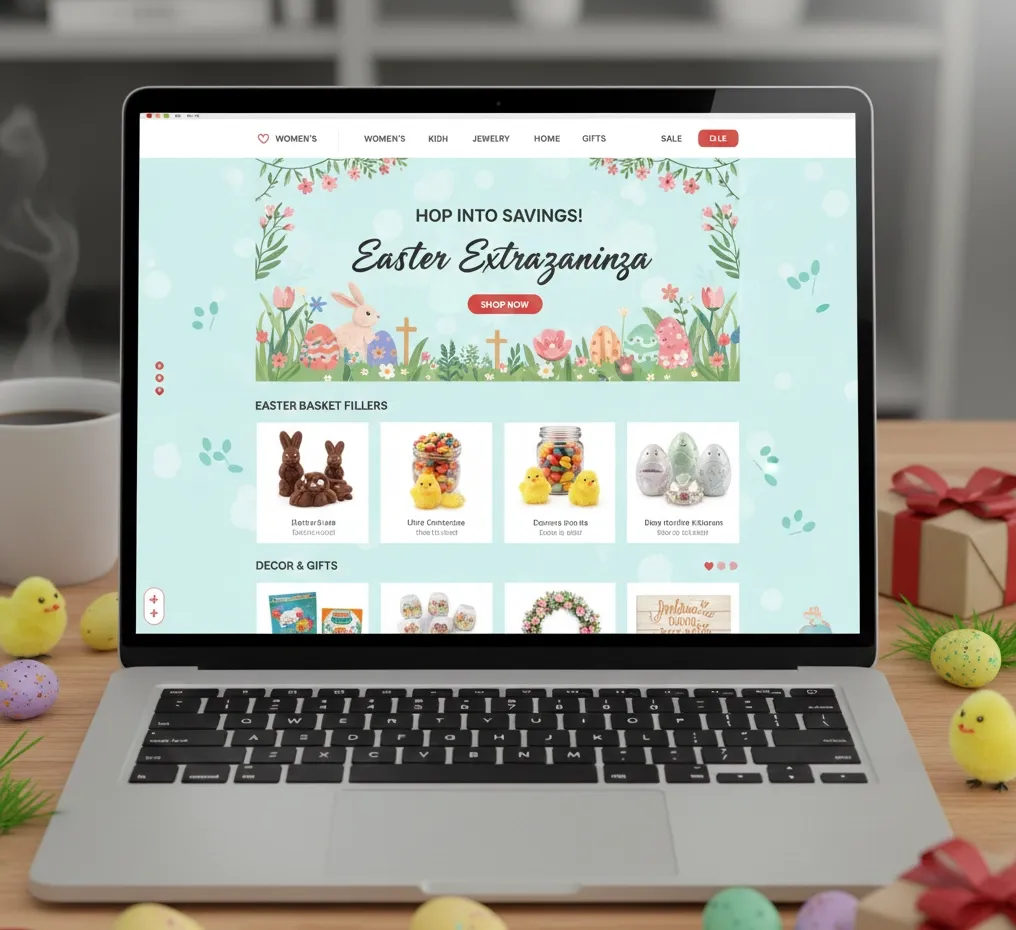
Easter is all about family gatherings, children, gifts, and seasonal décor. Bundles like Easter baskets or table sets are usually composed from products you already have—your PIM can treat these as separate “bundle” entities with their own images and descriptions while still tracking stock on the underlying SKUs.
Spring Break drives travel purchases: swimwear, luggage, compact electronics, and travel-friendly accessories. If your PIM tracks attributes like “carry-on friendly,” “packs flat,” or “travel size,” it becomes trivial to build “Spring Break essentials” collections for each channel.
In the US, tax refunds often support deferred purchases in late March and April: laptops, large appliances, furniture. Even if you don’t explicitly run a “tax refund sale,” it’s a good moment to emphasize higher-ticket items in your catalog and content.
Earth Day (April 22) is the natural spotlight for sustainable products and initiatives. If you store sustainability-related attributes (materials, certifications, packaging type) in your PIM, it’s easy to assemble Earth Day assortments and highlight eco-friendly options across your channels.
May – mothers and spring peak
In many markets, May revolves around Mother’s Day—a major gifting moment.
Success here depends heavily on how easy it is to find a good gift quickly. When products are tagged in your PIM by interests, style, and “gift for” (new moms, dog moms, homebodies, beauty lovers, etc.), you can build focused collections and landing pages that reduce decision fatigue for shoppers.
May is also spring at full strength. People are going outside more, planning trips, refreshing wardrobes and living spaces. National holidays like May 1 in Europe and Memorial Day in the US create long weekend sales that are perfect for moving spring-heavy collections. Inside your PIM, this is the time to start marking some spring SKUs as “end of season” so they can flow into early summer promotions and, later, clearance.
June – fathers, grads, and summer kick-off
June bridges spring into summer.
Father’s Day creates a narrower but still important gifting spike around tech, tools, outdoor gear, hobby equipment, and experience gifts. If your PIM already tags products for “DIY,” “grill,” “golf,” “home bar,” and similar themes, you can quickly assemble gift guides like “for the dad who loves…” without manual curation.
Graduation season overlaps this, especially for laptops, tablets, luggage, professional clothing, dorm essentials, and “first apartment” setup. Segmenting “for students,” “for new grads,” and “for new professionals” inside your PIM gives you ready-made filters for email, landing pages, and ads.
By the end of June, the consumer mindset shifts fully into summer. Your catalog pivots accordingly: fall and winter are long gone; summer essentials need visual and positional priority.
July – mid-summer and national days
July is summer in full swing.
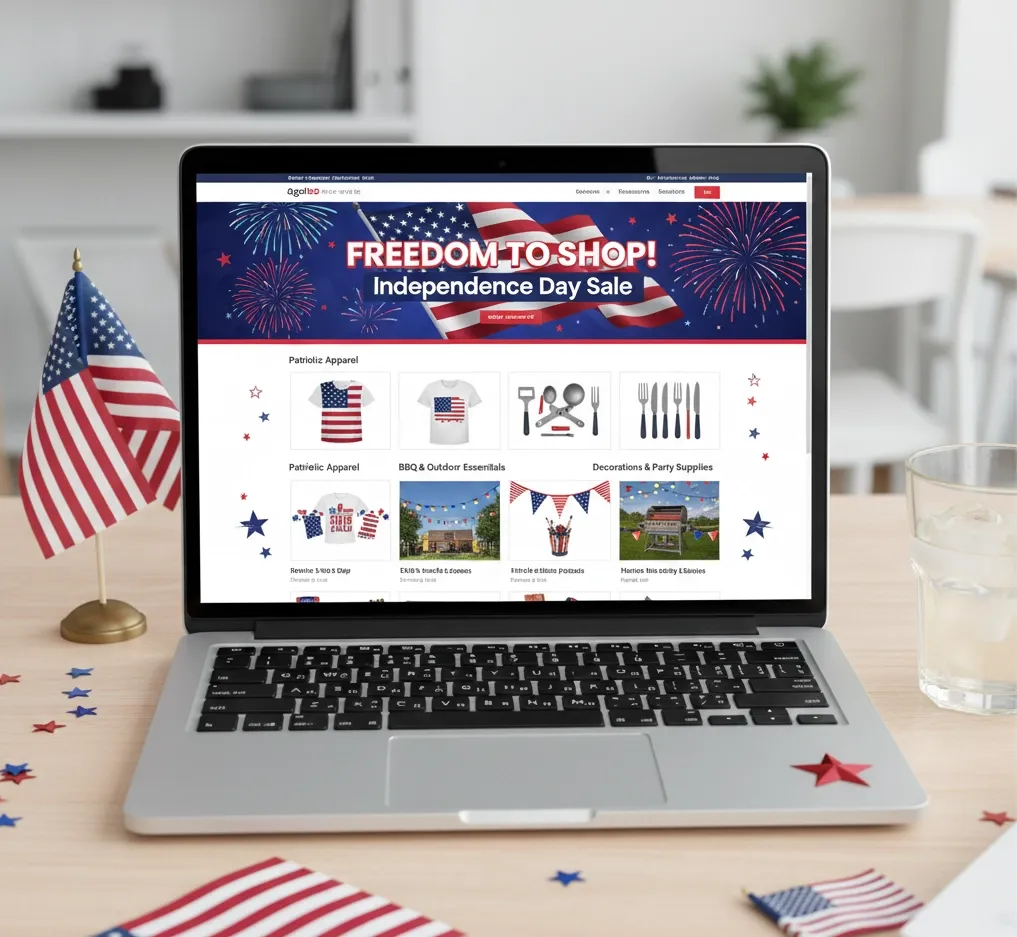
Canada Day (July 1) and US Independence Day (July 4) create natural hooks for long-weekend campaigns centered around outdoor living, parties, travel, and family time. Typically, this means pushing outdoor furniture, grills, cooking gear, casual wear, and decor.
In many European countries, July also marks the start of official summer sale periods. If your PIM tracks collection and season attributes, you can switch large sets of products into “on sale” states, update price tiers, and add sale badges across channels with a few configuration changes instead of editing each product manually.
Travel-heavy behavior continues. Products that make travel easier—packing cubes, portable chargers, lightweight clothing, foldable gear—benefit from being clearly tagged.
August – back to school
August is more strategic than it looks.
Back-to-School creates the second-biggest retail season after the winter holidays. School supplies, backpacks, clothing, shoes, devices, and dorm essentials all come into focus.
The other side of August is internal: it’s Q4 planning time.
This is when it pays to:
- Decide which SKUs will be your Black Friday and holiday heroes.
- Create future promo fields and holiday price lists in your PIM, even if they’re not yet visible to channels.
- Tag winter and holiday products, limited editions, and potential bundles.
- Prepare holiday-specific catalog “views” for different channels (e.g., marketplaces vs. your own site).
The more of that work you do in August, the less you’ll panic in November.
September – routines and fall
September feels quieter than November, but it shapes the rest of the year.
After late summer and Labour Day, people switch into “back to routine” mode. They care about work, school, organization, fitness, and long-term habits again. That’s a good moment for products related to offices and home workspaces, time management, and sustainable routines.
Fall collections in fashion, footwear, home textiles, and decor also roll out. That usually means flipping seasonal tags in your PIM from “summer” to “fall,” changing lead images, and adjusting which categories are most prominent across your channels.
From a planning perspective, September is the last reasonable deadline for your Q4 catalog to be structurally ready.
October – Halloween and holiday teasers
October has two faces: Halloween and early holiday planning.
Halloween is a strong commercial moment in some markets, especially for costumes, candy, decorations, and party supplies. Even if you don’t sell in those categories, some seasonal theming—limited-edition packaging, themed assets, or a temporary visual refresh—can make your brand feel current.

At the same time, organized shoppers are already thinking about holiday gifts. October is a great time to quietly publish early gift guides, give VIPs a first look at holiday products, and encourage wishlists. A PIM that stores “giftable” flags and recipient-type tags lets you power those experiences with accurate product data instead of manual curation.
Internally, October is your last full month for finalizing holiday catalog changes. New bundles, seasonal SKUs, promo-price fields, festive imagery, and special attributes should all be in your PIM, even if they’re not yet exposed. That way, when you flip into holiday mode in November, you’re switching states and views, not scrambling to input data.
November – peak season
November is where many brands make or miss their year.
Singles’ Day (11.11) is still most powerful in China and across Asia, but it’s slowly spreading. If your markets expect it, treat it as a mini Black Friday: selected SKUs, clear offers, and precise timing.
In the second half of the month, things get intense: US Thanksgiving, Black Friday, Small Business Saturday, Cyber Monday, and Giving Tuesday come in quick succession. For your catalog, this usually means:
- Widespread changes to prices and promo fields.
- Temporary promo badges and campaign labels.
- Shifting category and product priority.
- Redefining feeds by phase of the campaign.
If you try to manage all of that directly inside each channel, November is chaos. If you run it through your PIM, you can:
- Prepare Black Friday price and promo values well in advance.
- Toggle participation flags and campaign attributes in one place.
- Generate and refresh feeds per day or phase without rebuilding them from scratch.
At that point, the difference between winning and struggling is no longer about knowing the date; it’s about how clean and controllable your product information is.
December – last-minute gifts
December is the final sprint.
In the first half of the month, shipping cut-offs drive everything. Messaging changes from “what to buy” to “when to buy.” Product pages, category pages, and carts should clearly show delivery timelines.
As Christmas approaches, physical delivery becomes risky, and digital gifts, subscriptions, and gift cards take over.
After December 25, the season flips into returns, exchanges, and “treat yourself with gift money.” Boxing Day and the days that follow are prime time for aggressive clearance.
The final days of the year are a natural bridge back into “New Year, New Me.” It’s a good moment to clean up the catalog, retire or archive seasonal SKUs, and set up the attributes and views that will support January’s resolution-driven campaigns.
Additional Dates for Your E-commerce Holiday Calendar
- 1 January – Science Fiction Day
- 1 April – April Fools’ Day
- 11 April – National Pet Day
- 29 April – International Dance Day
- 1 May – International Workers’ Day
- First Saturday in May – National Fitness Day
- 4 May – Star Wars Day
- 25 May – National Wine Day
- 30 May – National Creativity Day
- Third Friday in June – National Flip Flop Day
- 5 June – World Environment Day
- 7 July – World Chocolate Day
- Third Sunday in July – National Ice Cream Day
- Last Monday in August – Summer Bank Holiday
- 8 August – International Cat Day
- 9 August – National Book Lovers Day
- 17 August – National Nonprofit Day
- 19 August – World Photography Day
- 26 August – International Dog Day
- 1 October – World Vegetarian Day
- 1 October – International Coffee Day
- 4 October – World Animal Day
- 5 October – World Teachers’ Day
- 10 October – World Mental Health Day
- 27 February – National Retro Day
- 1 February – National Freedom Day
- 30 July – International Day of Friendship (“Friends Day”)
- 11 April – National Pet Day
- 17 August – National Nonprofit Day
- 27 September – World Tourism Day
- Third Thursday in January, April, July, and October – Know Your Customers Day
- 24 December – Christmas Eve
Beyond Holidays: Always-On Plays Powered by Your PIM
Holidays give you big spikes, but your business can’t live on spikes alone.
A lot of effective revenue drivers sit between major dates:
- Weather-driven offers when heatwaves, cold snaps, or the first snow hit specific regions.
- Product launches and limited drops treated as mini events with their own teasers and launch days.
- Restock and price-drop alerts for products customers already showed interest in.
- Loyalty and VIP-only events built around early access and exclusive assortments.
- Brand anniversaries and “milestones” like hitting a certain number of orders or years in business.
All of these are easier when your product data is accurate, structured, and centralized. When prices, availability, attributes, and marketing fields live in your PIM, you can launch these always-on plays from one source of truth instead of stitching data together from multiple systems.
FAQ
How far in advance should I plan major holiday campaigns?
For tier-one events like Black Friday and Christmas, start strategic planning four to six months out. Creative production and catalog preparation usually need six to eight weeks before launch. Smaller holidays can often be handled in a six- to eight-week window from idea to execution.
Do I need to activate every holiday in this calendar?
No. Most brands get better results by picking a small set of holidays that match their audience and products, and doing those very well, instead of running thin, generic campaigns across twenty dates.
What’s the most common mistake in holiday marketing?
Starting too late—and trying to orchestrate price, content, and availability changes across multiple channels without a central source of product truth. By the time you’re manually editing feeds and product pages in November, your competitors who prepared in their PIM months earlier are already live and optimized.
Which metrics should I look at to judge if a holiday campaign worked?
Revenue and ROAS matter, but look deeper: conversion rate, average order value, new vs. returning customer mix, and customer acquisition cost. A campaign that boosts revenue but crushes your margins or attracts low-value customers may not be a genuine win.
Final Thoughts
The eCommerce calendar is relentless, but it doesn’t have to be chaotic.
Choose the holidays that matter most for your customers and category. Map realistic planning windows for each. Make sure your catalog—and the systems behind it—can keep up. Centralize your product information in a PIM, define channel-ready templates and attributes, and let your tools handle the heavy lifting when the calendar gets busy.
Holiday marketing isn’t about doing everything. It’s about showing up at the right moments with accurate data, clear offers, and experiences that feel consistent across all your channels. The calendar gives you the structure. Your PIM helps you execute it without burning out your team.
Author

Maks Petrenko is an Operations Manager focused on eCommerce data quality and PIM/DAM workflows. He runs KPI-driven initiatives to improve conversion and activation, and is currently pursuing a PhD in Management. He also writes practical playbooks on product data and landing page performance. His checklists translate governance and UX best practices into clear, easy-to-apply steps.


